Free tools for DJI mission planning
Convert KML files, split big surveys and send missions to your controller — in your browser.
No account needed.





How it works
Step 1
Convert
Upload a KML or KMZ from Google Earth, QGIS or ArcGIS.
Step 2
Send
Get a short transfer code.
Step 3
Fly
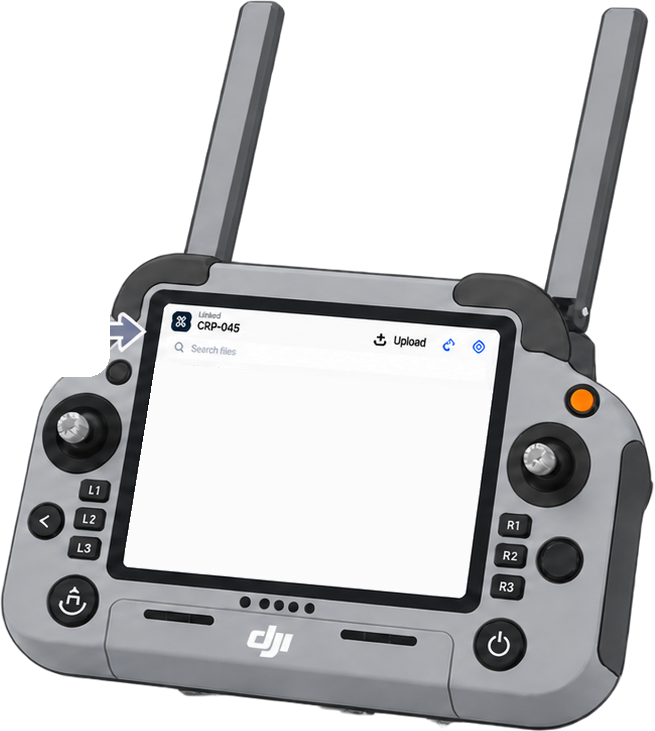
Open 4dr.one on your controller and enter the code. No cable or SD card.
Convert & send
Plan
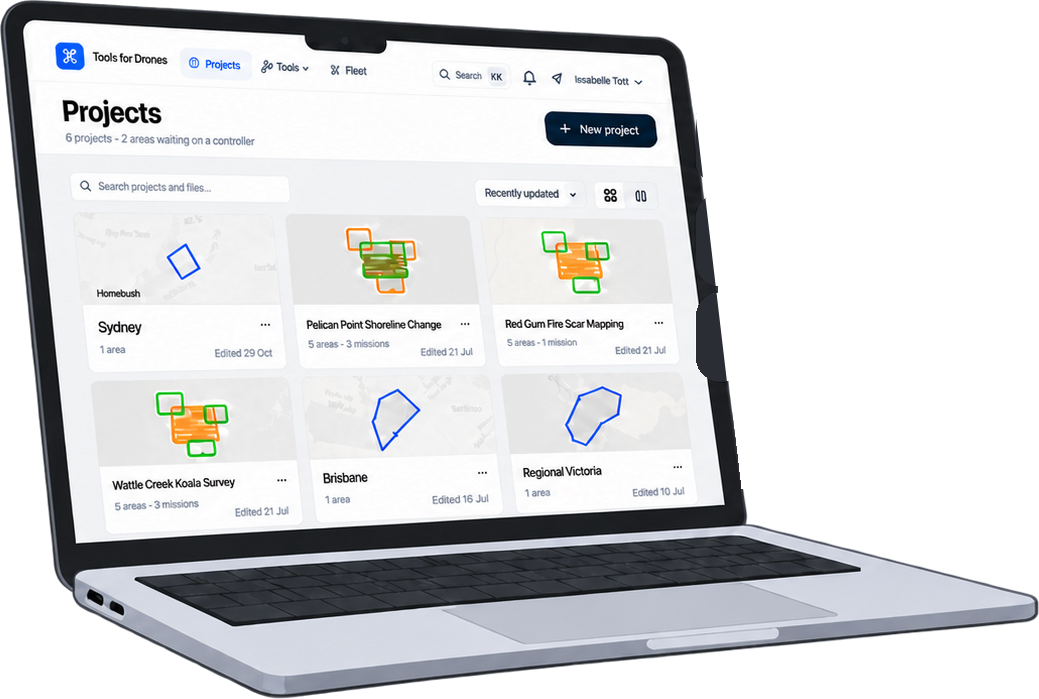
Save projects and send to linked controllers with a free account.
Create free accountBuilt for enterprise DJI operators
For surveyors, conservation and land teams flying Matrice 400, Matrice 350, Matrice 30, Matrice 4, Mavic 3 Enterprise and Mavic 3 Multispectral, plus Dock 2, Dock 3 and FlightHub 2. Everything runs in your browser — files you convert aren't stored unless you sign in and save them. Built in Australia by working drone pilots.